Essentials Notices
Show notices and alerts with configurable severity, filtering, and targeting.
Configuration Guide
- Add the Notices web part to the page.
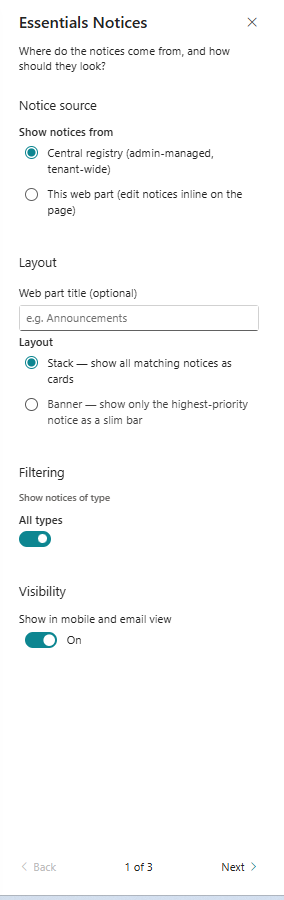
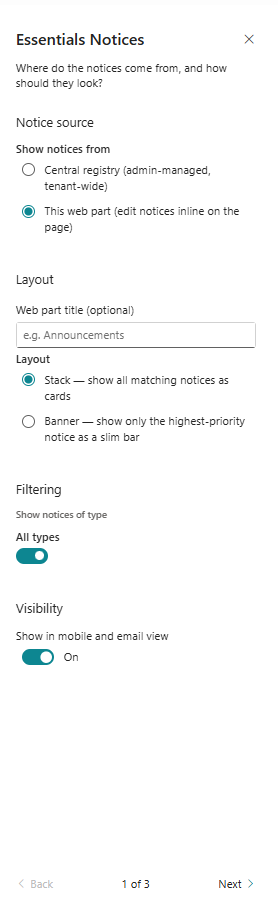
- Configure the notice source and categories.
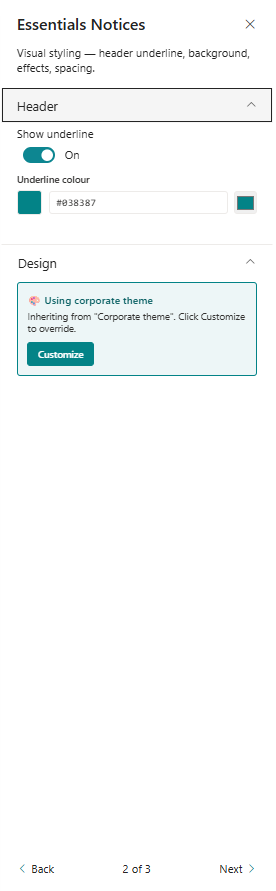
- Choose display formatting, severity styles, and alert layout.
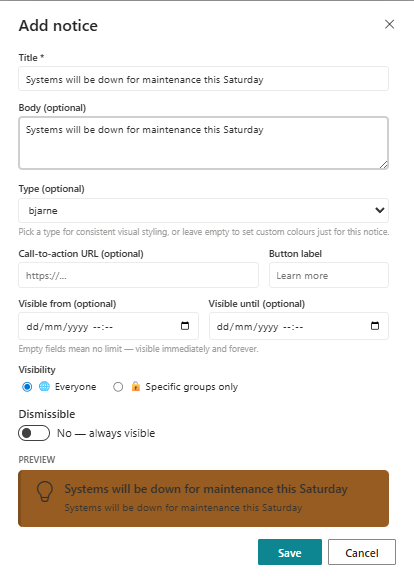
- Enable dismissible notices and persistence if available.
- Set audience targeting and visibility options.
Key Features Configuration
| Feature | Description | Configuration |
|---|---|---|
| Notice categories | Group alerts by topic or type | Filter notices by category |
| Severity styles | Visually distinguish urgency levels | Info, Warning, Urgent styles |
| Dismissible notices | Let users close alerts they have read | Allow users to close alerts |
| Targeting | Restrict visibility to specific audiences | Audience or scope targeting |
Property Pane Options
| Option | Type | Description |
|---|---|---|
| Category filter | Multi-select | Select categories to display |
| Severity style | Dropdown | Choose notice display style |
| Dismissible | Toggle | Enable dismiss buttons |
| Audience targeting | People/Group picker | Limit who sees notices |
Illustration